Character-first home
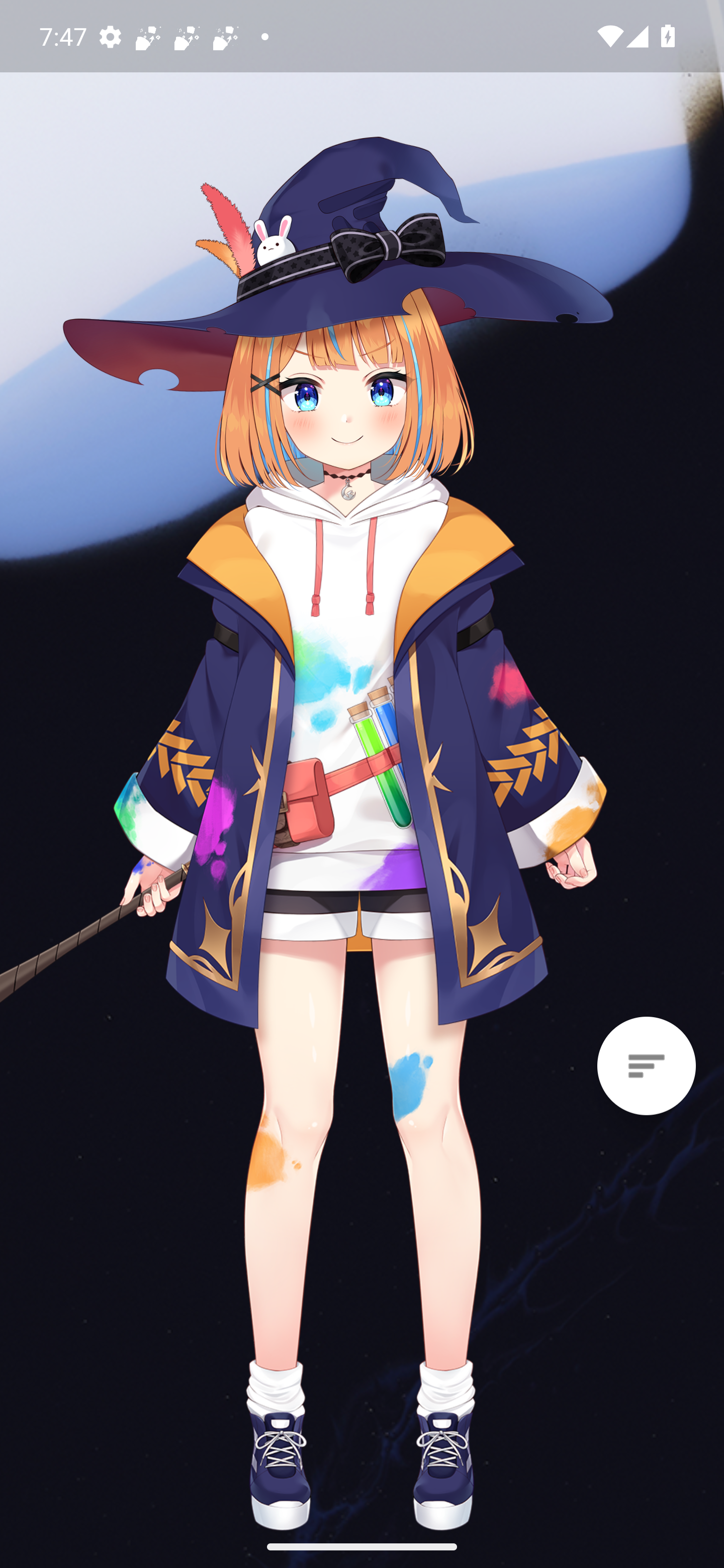
The launcher opens on a stage-like home screen anchored by a Live2D companion, giving the interface more personality than a standard icon wall.
 EvaLauncher
English Official Site
EvaLauncher blends a Live2D companion, a floating quick-action hub, and an organized app drawer into one focused Android experience.
What makes it different
The launcher opens on a stage-like home screen anchored by a Live2D companion, giving the interface more personality than a standard icon wall.
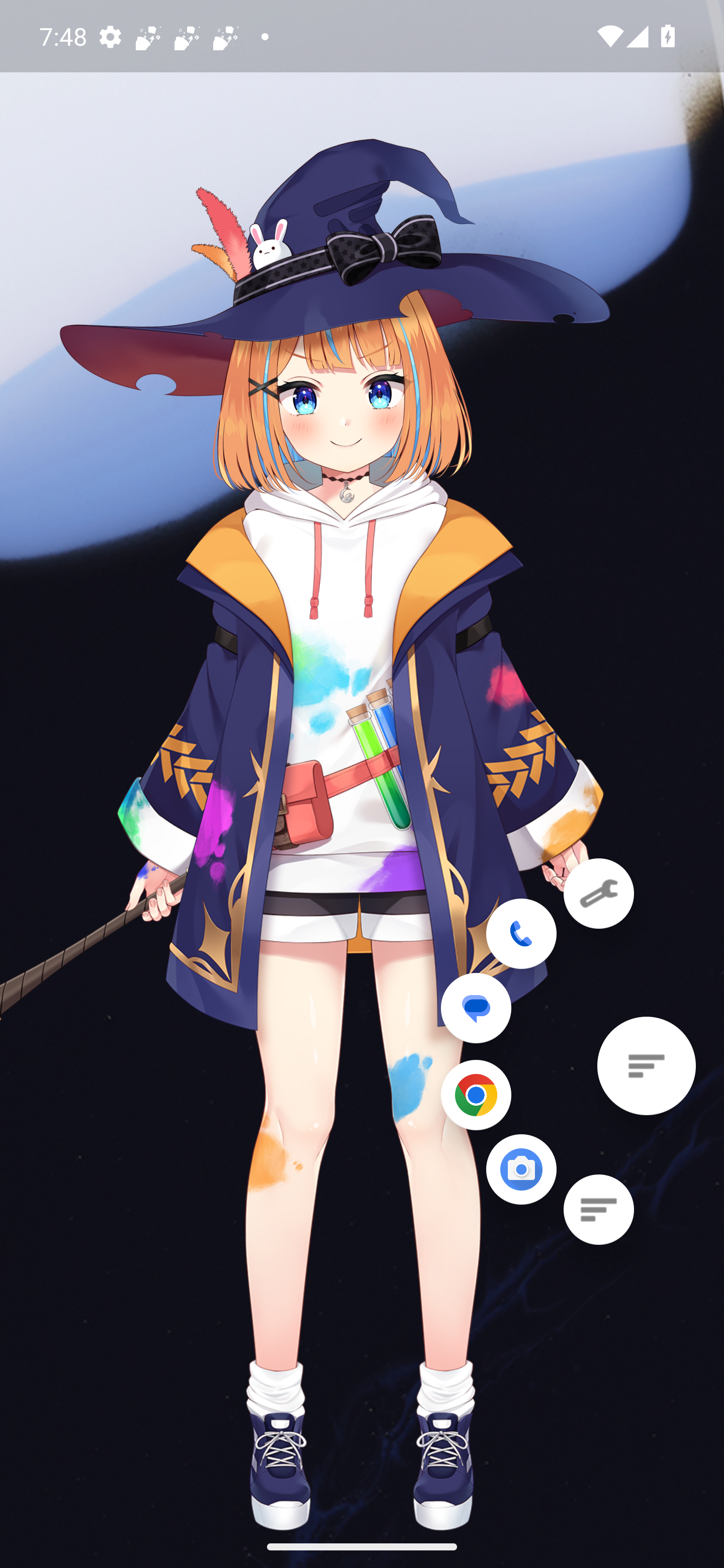
A movable action button expands into quick shortcuts for settings, phone, messaging, browser, camera, and the app drawer.
The drawer supports recent history, search, and folder creation so large app collections stay easy to navigate.
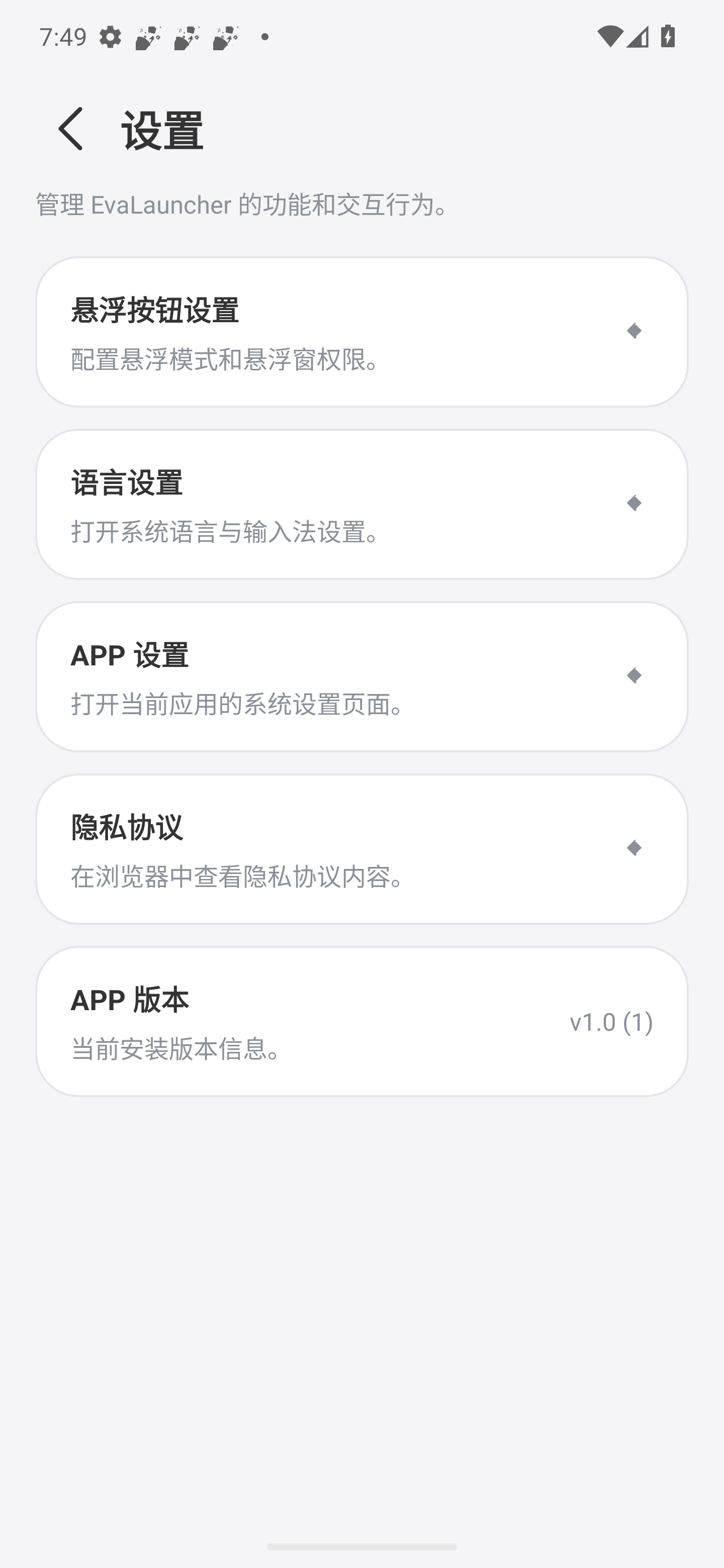
Floating-mode controls, language access, app settings, and the privacy policy are grouped into a dedicated settings flow.
Screens captured from a running emulator
Product summary
It combines a visual mascot layer with a launcher workflow that stays practical: quick entry points, searchable content, folder organization, and a settings surface that exposes permission-sensitive behavior instead of hiding it.
Live2D home, floating actions, bottom-sheet drawer, and configurable overlay mode.
Search, launch history, folders, system shortcuts, language access, and privacy handoff.
Soft contrast, high legibility, motion-first presence, and a distinct character silhouette.
Read the full privacy policy for permissions, data handling, and policy updates on the official hosted page.
Open privacy policy